.webp)
Google Ads Is Introducing More Channel Control. Here's What You Should Know.
For years, advertisers have been asking for more say in how Google Ads distributes their budgets across different channels.
Well, we're finally getting some of that control.
Google is introducing two new features, Channel Prioritization and Budget Allocation, that will let advertisers influence how their budgets are distributed across different advertising networks.
It's a welcome change, especially for advertisers who have been hesitant to use certain networks because they couldn't sufficiently control spending.
But before we get too excited, let's look at what these new controls actually do.
What's Changing?
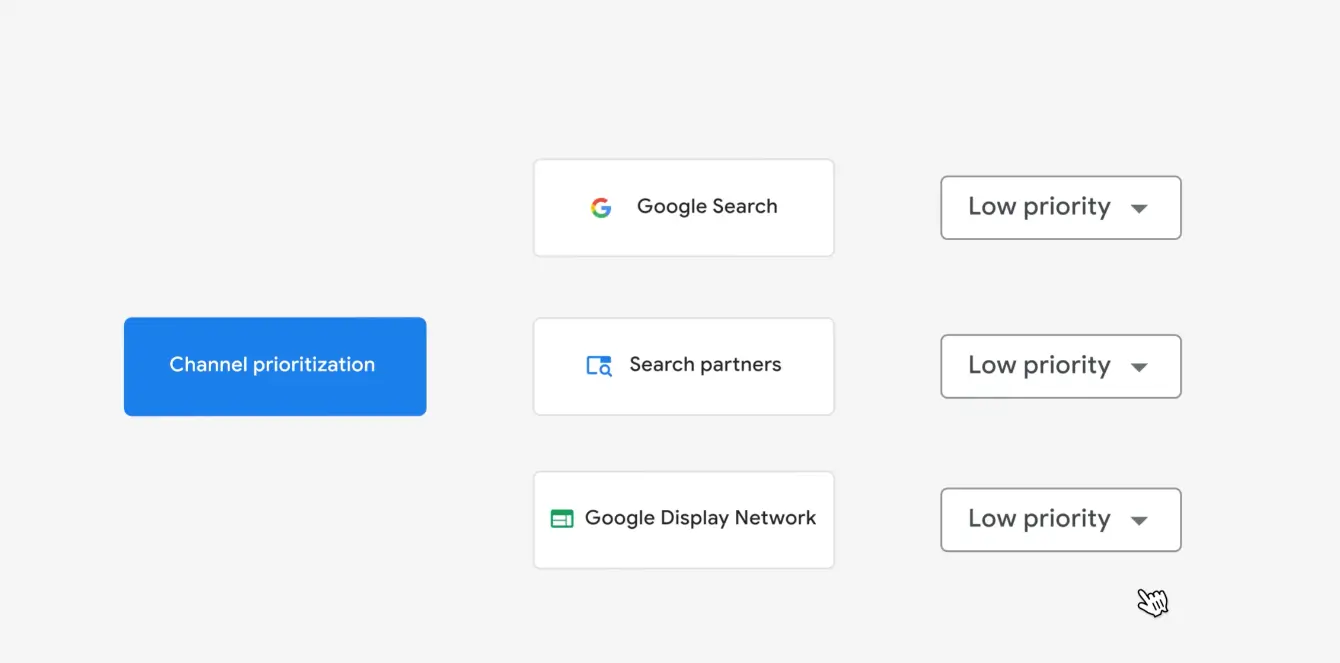
The first feature, Channel Prioritization, lets advertisers decide which networks should receive higher or lower priority when Google allocates campaign budgets.
For example, you could prioritize Google Search over Search Partners or the Display Network.
When your campaign is limited by budget, Google will try to fund higher-priority channels first, while respecting your existing Target CPA or Target ROAS. Any remaining eligible budget can then be allocated to lower-priority channels.
The second feature, Budget Allocation, lets advertisers set percentage-based spending caps on lower-priority channels.
Let's say you're running a Search campaign with a $100 daily budget.
You want to reach additional customers through the Display Network, but you're not quite comfortable giving it unrestricted access to your budget (I certainly would not)
You could designate Display as Low Priority and set a 10% budget cap. Google would then aim to keep daily spending on that network within approximately $10.
Keep in mind that Google describes these caps as best-effort limits, not absolute guarantees.
That's still considerably more flexible than simply deciding whether to include or exclude a network.
There's one important distinction, though.
If your campaign isn't limited by budget, changing channel priorities generally won't have much effect on where Google spends.
Budget caps, on the other hand, can still limit spending on lower-priority channels.
So, depending on your campaign setup, these two controls can behave quite differently.
Where Will These Controls Be Available?
Google is rolling out the new features globally across Search, Shopping, Performance Max, and Demand Gen campaigns over the coming months.
The available channel controls depend on the campaign type:
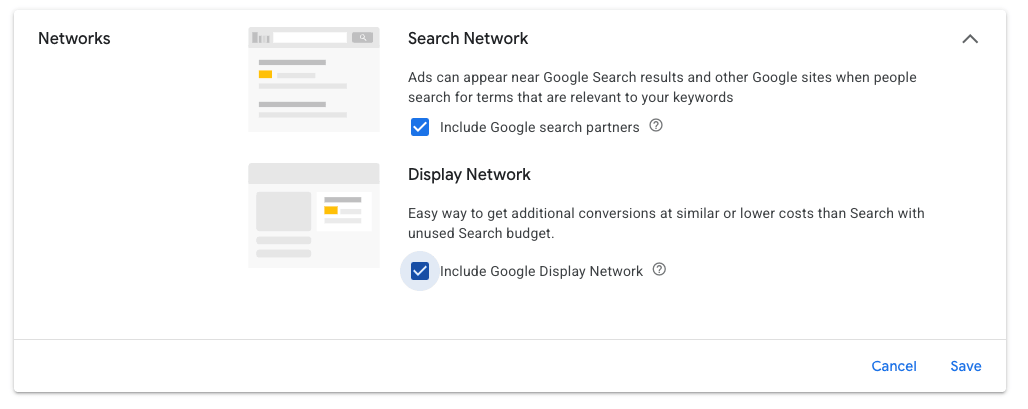
- Search: Google Search, Search Partners, and Google Display Network.
- Shopping: Google Search and Search Partners.
- Performance Max: Google channels, Search Partners, and Google Display Network.
- Demand Gen: Google channels and Google Display Network.
In Performance Max and Demand Gen, Google-owned channels such as Search, YouTube, Gmail, Discover, and Maps remain grouped under a single priority setting.
This means you can prioritize the group, but not individual channels within it.
Google is separately testing more granular Performance Max controls, although there's no confirmed release date.
Advertisers will be able to configure these settings at the account or campaign level, and the controls will also support shared budgets.
More Control Is Good. But Do We Always Need It?
It's encouraging to see Google listening to advertiser feedback and giving us more flexibility.
There are still some limitations, particularly in Performance Max, where Google-owned channels remain grouped together. However, Google is also testing more granular channel controls separately. There's no timeline for that functionality yet, but it's something worth keeping an eye on.
Of course, having more control doesn't necessarily mean we need to use it.
It's always good to have another tool in the toolbox. But knowing when to use it is just as important as having it.
According to Google, advertisers with accurate conversion data and effective Smart Bidding may not need these additional controls.
That makes sense. But it also raises another question: How complete is the picture we're giving Google's algorithms?
Attribution is complicated, and what we see in Google Ads or GA4 doesn't always tell us the full story about actual business results. After all, a network generating cheaper leads isn't necessarily generating better customers.
That's why looking beyond Google Ads is so important.
If your CRM, sales data, or revenue numbers show meaningful differences between networks, these new controls may offer another way to account for those differences when allocating budgets.
On the other hand, if your campaigns are already delivering the business results you're looking for, adding more restrictions might not be particularly helpful.
Either way, having the option is a welcome change.