.webp)
What is Promotion Mode?
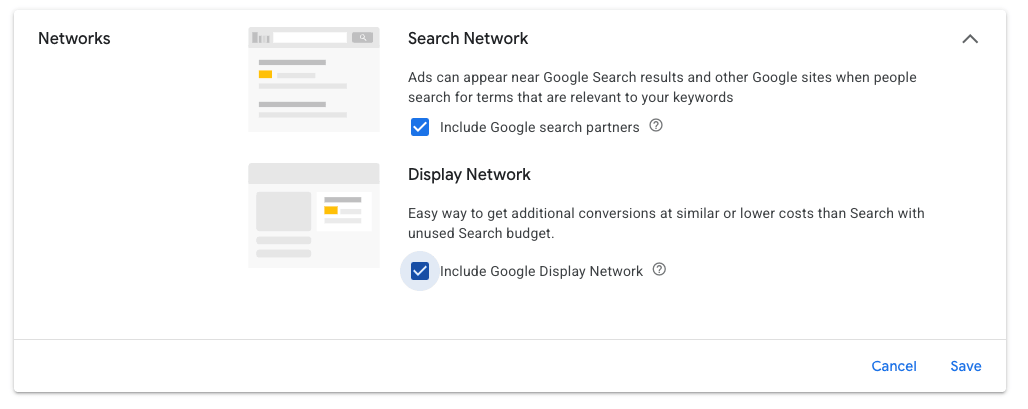
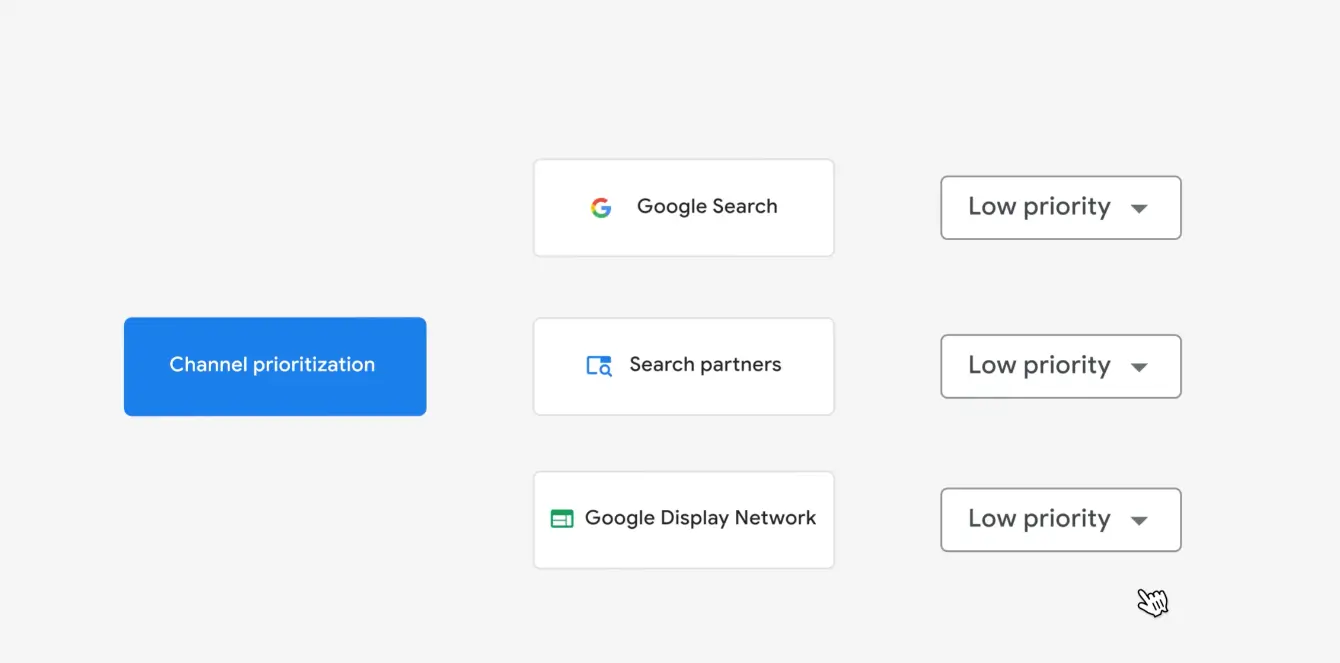
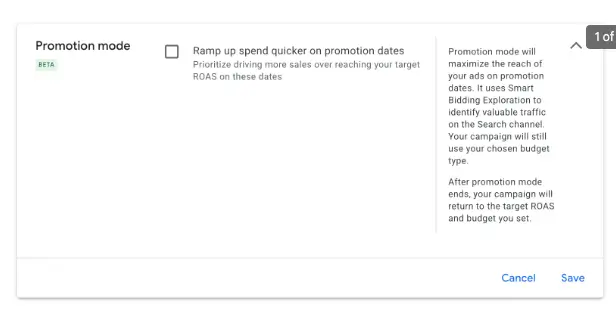
If you’ve been within the settings of your Search or Performance Max campaign lately, you may have noticed a new beta feature Google has recently introduced, called Promotion Mode. Promotion Mode is a type of Smart Bidding Exploration that Google uses across the Search Network. It essentially gives Google flexibility within your tROAS targets during the set dates and tells Google to prioritize sales over any fixed targets you have set in your campaign.
Once selected, you can set your start and end dates, Target ROAS tolerance, and an optional daily budget allowance.
How Target ROAS Tolerance Works
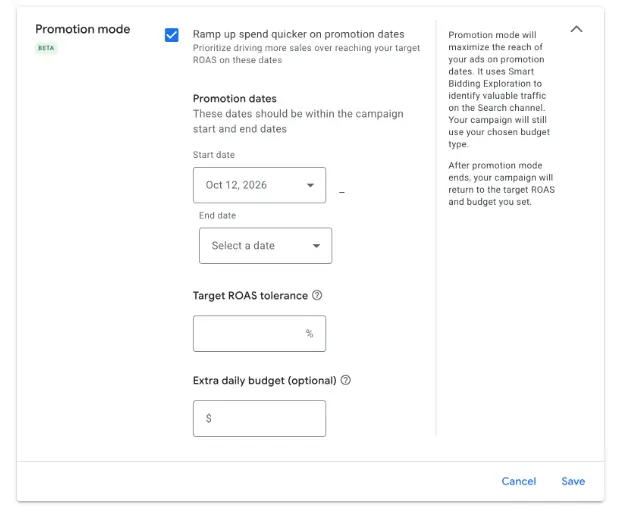
Your Target ROAS tolerance is a % you are comfortable moving away from the tROAS targets you already have set within your campaign. For example, if you set a 10% tolerance and your tROAS target is 300%, Google can lower your target down to 270%.
If you are comfortable loosening targets during a sale period to attain a greater amount of impression share and typically increase your budgets during this timeframe as well, then this tool takes the guesswork out of manually completing these tasks prior to the sale and then reverting those changes post sale.
Promotion Mode vs. Seasonality Adjustments
BFCM is typically the sale period where we’ve made these types of changes here. Sometimes we also run Seasonality Adjustments as well, though the team is mixed on how effective those are. Keep in mind, Promotion Mode is not the same as a Seasonality Adjustment. While Promotion Mode is focused on loosening your tROAS, Seasonality Adjustments make their decisions based on a perceived change in conversion rates. Both could go hand in hand and I’d be curious to see how they would behave together.
Key Takeaways & Next Steps
Overall, Promotion Mode looks like a promising feature for advertisers wanting to capture peak demand during high-traffic sales events like BFCM without the hassle of manual target updates. If you decide to test it this holiday season, start with a conservative ROAS tolerance to evaluate how effectively Google ramps up spend and drives additional volume for your campaigns.